


Beatron - AI Music Maker
4.61.15K Reviews
App Specs
- Version
- 31.0
- Updated On
- License
- Free
- Downloads
- 1,000,000+
- Developer
- Ocean Float Mobile
- Categories
- Productivity
- Platform
- Android
Screenshots
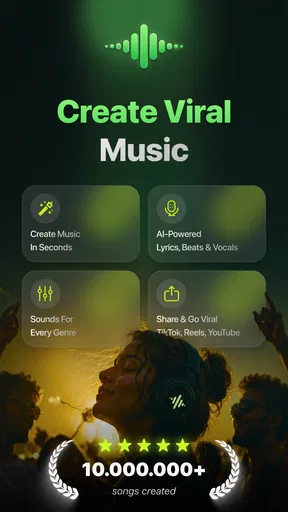
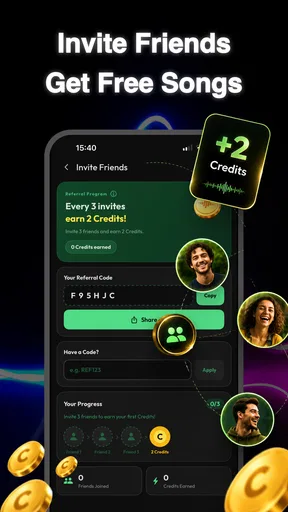
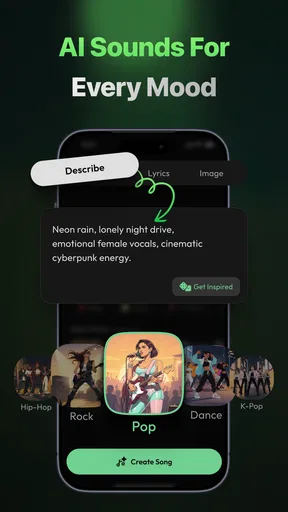
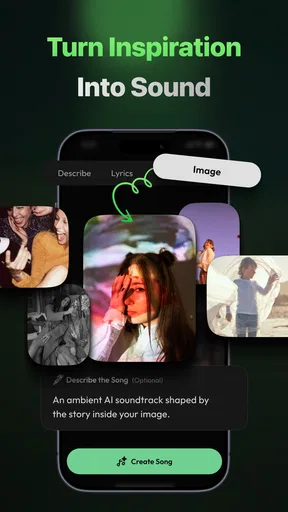
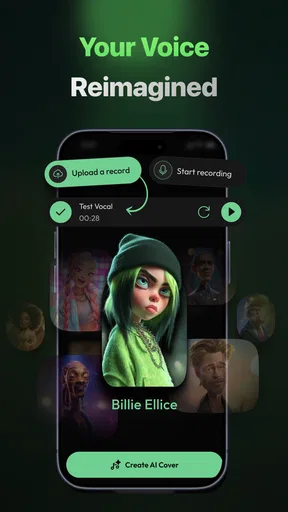
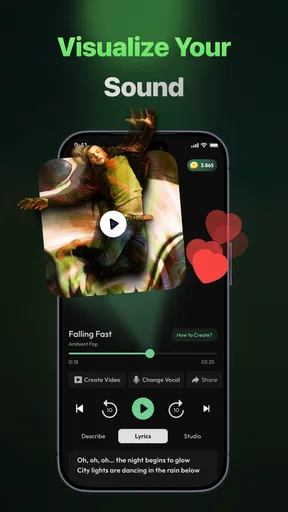
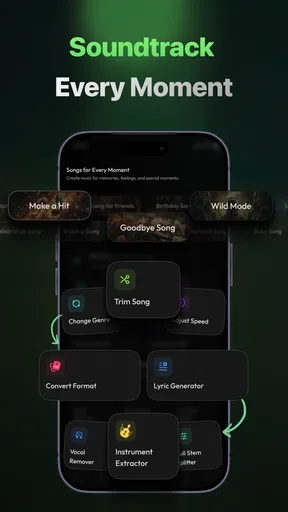
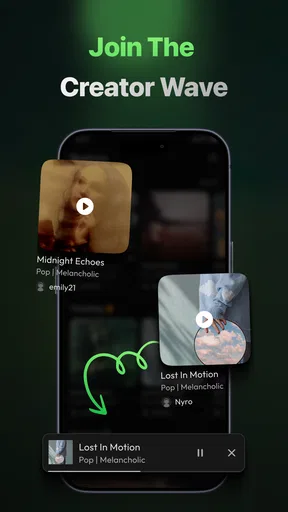
 Analysis by AppCompare
When I want to turn a passing musical idea into something I can actually hear, I don’t always want to open a full production studio. Beatron - AI Music Maker is aimed at that in-between moment: it gives you several ways to start a track, including text, lyrics, images, or a hum. That makes it appealing as a creative sketchbook, though I wouldn’t treat an AI music app as a replacement for the control and precision of a dedicated digital audio workstation.
From a quick idea to a usable sketch
The most useful way to think about Beatron is as a low-friction starting point. Instead of requiring you to know music theory or arrive with a finished melody, it invites you to bring a fragment: a line of writing, a lyric, a picture, or something you can hum. I like that range because people don’t all think in the same way. A lyric writer may have words but no tune, while someone else may have a melody in their head and no clear description for it.
That flexibility also changes how I’d use the app. I’d try one input at a time rather than feed it every part of an idea immediately. For instance, begin with a short lyric or a hummed phrase, listen to what comes back, and then decide what needs changing. This makes it easier to tell whether the result is responding to the seed you gave it or whether you simply like the general sound. It is a practical way to keep the process exploratory rather than expecting a polished song on the first attempt.
Starting with words, pictures, or a hum
Text and lyrics suit users who can describe a mood or already have a chorus written down. An image can be useful when the feeling is clearer visually than verbally: you might have a photo that suggests a quiet, tense, or celebratory atmosphere but no musical vocabulary for it. Humming is the most direct option when a melody is the main thing you want to preserve. Each route asks for a different kind of input, so I’d choose the one that carries the strongest part of the idea rather than treating them as interchangeable buttons.
A useful habit is to keep the original prompt, lyric, or hummed phrase somewhere outside the app before experimenting. That gives you a reference point if later versions drift away from what you had in mind. It also helps when you are trying several approaches: compare each result with the same original idea, not just with the previous output. That small discipline can make an AI-assisted session feel more like composing and less like scrolling through surprises.
Where its simplicity helps—and where it may frustrate
Beatron’s central appeal is that it lowers the barrier to trying a musical idea. A beginner can experiment without first learning how to arrange a track in a complex production program, and an experienced musician can use the app to spark a direction before building something more carefully elsewhere. That is a different job from a conventional beat-making tool, where the user usually works directly with tracks, instruments, and detailed editing. Beatron is more attractive when the first question is “What could this idea sound like?” than when it is “How do I control every note and mix decision?”
That distinction is also its main trade-off. AI-generated music can surprise you, but surprise is not the same as precision. If you already hear an exact rhythm, chord change, or arrangement in your head, a generated interpretation may not land where you want. I’d approach the app with a willingness to adapt the idea, rather than expecting it to reproduce a very specific arrangement faithfully. For detailed production or careful revision, a traditional music workstation is the better fit.
Worth Reading Before You Choose

Flipboard Shows What News Apps Must Do Beyond the Feed

Switching to Android Auto Means Rethinking Your Driving Routine

Google Calendar Makes a Crowded Week Easier to Manage

Ludo King Makes the Most of the Minutes Between Plans

Baby Panda World Brings Quick Play to Modern Phones, but Its Game Library Feels Busy

ESPN’s Live Game View Makes Following Close Games Easier
A sensible workflow for everyday creativity
Imagine getting home with a melody stuck in your head after a commute. You can hum it into Beatron while it is still fresh, listen to the musical direction it suggests, and decide whether that direction is worth developing. If the first result feels wrong, the useful next step is not necessarily to keep generating at random: simplify the input, focus on the melody or mood you care about most, and try again. That turns a fleeting thought into something you can assess, even if the output is only a starting point.
The same approach works for a writer with a few lines but no tune, or for someone making a playful musical idea for friends. I’d keep expectations modest for any task where exact timing, a particular vocal performance, or a finished commercial master matters. Beatron is better suited to exploration and personal creativity than to replacing a musician, producer, or established recording workflow.
Who should give it a try
I’d recommend Beatron to curious beginners, lyric writers, and casual creators who want to hear an idea take shape without facing a steep production-learning curve. It may also suit musicians who are comfortable treating AI output as a prompt rather than as a finished answer. The app is free to download, with in-app purchases ranging from $4.99 to $99.99 per item, so I would explore the experience before paying for anything and consider whether its creative role is useful to me.
People who need exact editing, dependable control over every musical part, or a conventional studio workflow should look elsewhere or use Beatron only for early inspiration. I’d also be cautious about choosing it solely because the word “AI” sounds like a shortcut to a release-ready track. Its value depends on enjoying the process of testing ideas and being willing to make your own decisions about what works.
Beatron is a free productivity app from Ocean Float Mobile, rated for Everyone. It has a 4.0 average from around 1.3K ratings and has passed 100K installs. Version 9.0 supports Android 7.0 and later. Those details make it easy to judge whether it fits your device and budget, but the more important decision is whether you want a prompt-based music-making companion or the hands-on control of a dedicated production app.
Getting Started with Beatron
First things first, downloading and setting up Beatron - AI Music Maker is a breeze. Available on both Android and iOS, you can snag it from their respective app stores in a jiffy. Once installed, you're greeted with a sleek, user-friendly interface. The onboarding process is smooth and intuitive, guiding you through the basic functionalities without any fuss.
Unleashing Your Creativity
Now, let's dive into the features. Beatron uses AI technology to assist you in creating music. Whether you're looking to craft a catchy pop tune or an intricate electronic track, this app has got your back. You start by selecting a genre, and the app provides you with a variety of beats and melodies to choose from. This is where the magic happens; the AI helps you compose songs by suggesting chord progressions and beats that fit your style.
What I love about Beatron is the customizability. You can tweak every element to suit your taste. Want to add a bass line or some funky drums? You got it. The app provides a plethora of instruments and sound effects, giving you the freedom to experiment and explore.
Collaboration and Sharing
Beatron isn't just about solo projects. It's also a fantastic platform for collaboration. You can connect with other users, share your compositions, and even work together on tracks. The community aspect of the app is vibrant and supportive, making it a perfect place for budding musicians to grow and learn from each other.
Once you’re happy with your creation, sharing it is a piece of cake. You can export your tracks in various formats, making it easy to upload them to platforms like SoundCloud or share them directly with friends and family.
Why Beatron Stands Out
So, what makes Beatron stand out in the crowded world of music apps? For starters, its AI capabilities are genuinely impressive. The app learns from your preferences and adapts to help you create better music. Over time, it becomes a personalized assistant that understands your style and helps you refine it.
Moreover, the app is designed to be accessible to everyone. Whether you're a beginner or a seasoned musician, Beatron provides tools that cater to all skill levels. The intuitive interface, coupled with powerful features, ensures a seamless experience for all users.
Final Thoughts
In conclusion, Beatron - AI Music Maker is a game-changer for anyone interested in music production. It takes the complexity out of music creation and offers an enjoyable, creative journey. With its innovative use of AI, user-friendly interface, and vibrant community, Beatron is well worth a download if you're keen on making some tunes.
Ready to turn your musical dreams into reality? Give Beatron a try, and you might just discover the producer within you!
Pros
- User-friendly interface for beginners.
- Variety of music genres to explore.
- Real-time collaboration feature.
- High-quality sound outputs.
- Regular updates with new features.
Cons
- Limited free version features.
- Occasional lag in older devices.
- Requires internet for full functionality.
- In-app purchases can be pricey.
- No offline mode for editing.
FAQs for Beatron - AI Music Maker
What is Beatron - AI Music Maker and how does it work?
Beatron - AI Music Maker is an innovative app that allows users to create music using AI technology. It offers a variety of tools and features such as virtual instruments, loops, and effects. The AI assists by suggesting melodies, harmonies, and rhythms, making it accessible for both beginners and seasoned musicians.
Is Beatron - AI Music Maker suitable for beginners?
Yes, Beatron is designed to be user-friendly for beginners. It comes with an intuitive interface and helpful tutorials to guide new users. The AI also provides real-time suggestions, making it easier to create music without prior experience. However, it also has advanced features for more experienced users.
What are the key features of Beatron - AI Music Maker?
Beatron offers a range of features including AI-generated suggestions, a library of loops and samples, virtual instruments, and customizable effects. Users can also collaborate with others online, export tracks in various formats, and access exclusive content through in-app purchases. The app supports both casual creation and more detailed music production.
Does Beatron - AI Music Maker require an internet connection?
While Beatron can function offline, certain features like cloud collaboration, downloading new loops, and accessing updates require an internet connection. Offline capabilities include basic music creation and editing, but to fully utilize all features, occasional internet access is recommended.
Are there any in-app purchases or subscriptions in Beatron - AI Music Maker?
Yes, Beatron offers in-app purchases and subscription options. These include additional loops, premium virtual instruments, and exclusive effects. A subscription may also provide benefits like ad-free usage and early access to new features. Users can enjoy the core functionalities for free, but these extras enhance the experience.


